Showing posts with label displays. Show all posts

PQ FUI Toys

PQ FUI Toys from Peter Quinn on Vimeo.


Super fun, pre-animated, sometimes looping, customizable Fake User Interface assets, as editable After Effects comps. Just drag and drop to quickly create and customize FUI layouts to suit your projects.

For sale at aescripts.com/pq-fui-toys

Tutorial video at vimeo.com/pquinn/fui-quickstart

Evolution of the desktop

The history of the working desk in one neat little animated gif. Harvard Innovation Lab used real vintage items to create this evolution of the desk over the past 35 years in one short timelapse.

Responsive design


Funny pic. But it does raise a relevant question; how many devices do you test your website out on?

The short answer is 3: mobile, tablet, and desktop. Go for 320px, 768px, 1024px and adjust screen size by percentage for a fluid responsive layout.

But, if you're a company like The New York Times or Wordpress, then you'll be testing your service across every device out there.

Pepsi Max brings you the Unbelievable.

I don't normally go for reposting advertising campaigns unless it's contextual to the post I'm writing, but this one really caught my eye.

It's a fantastic implementation of augmented reality where unbelievable visuals are played over the top of a live camera feed which is embedded in a bus stop in central London.

I love the execution and the people's reactions (whether they're actors or not), it's a great example of using AR technology for something other than experimental purposes.

If you know the agency that created this campaign, please write it in the comments below.

Futuristic GUI

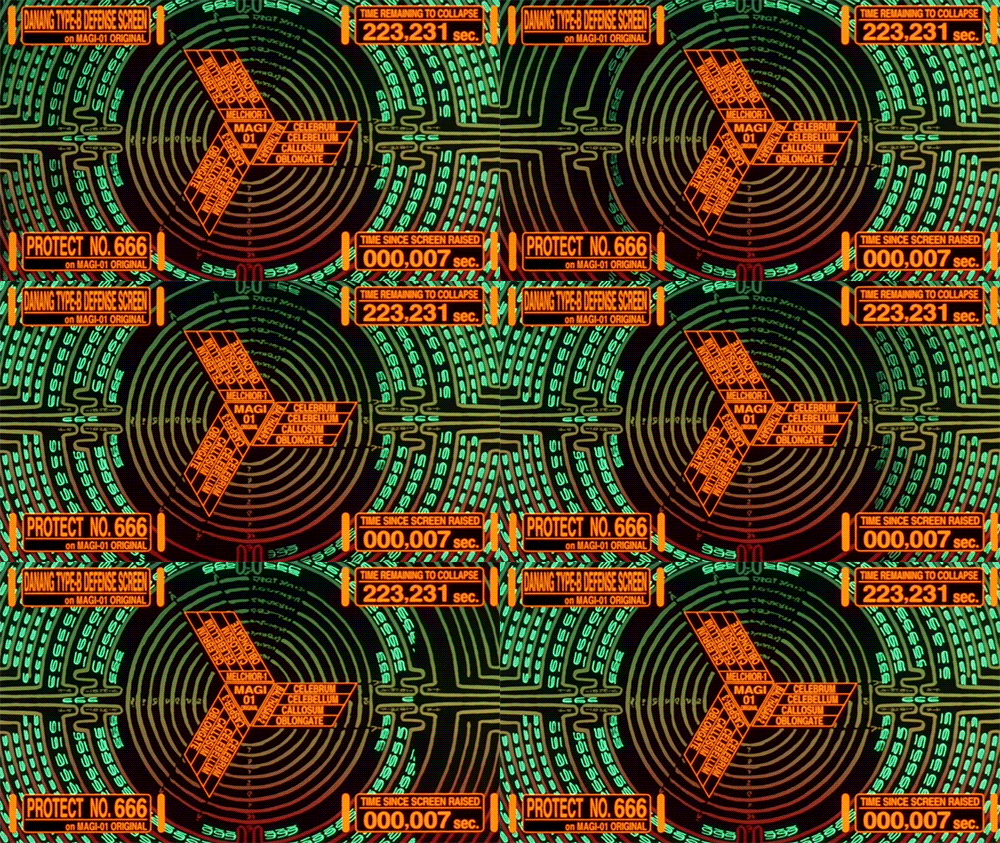
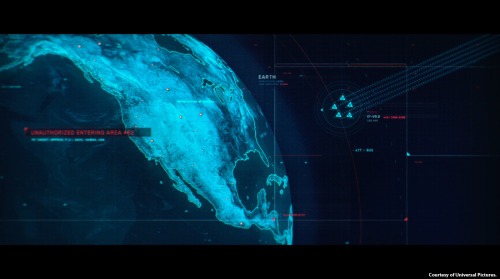
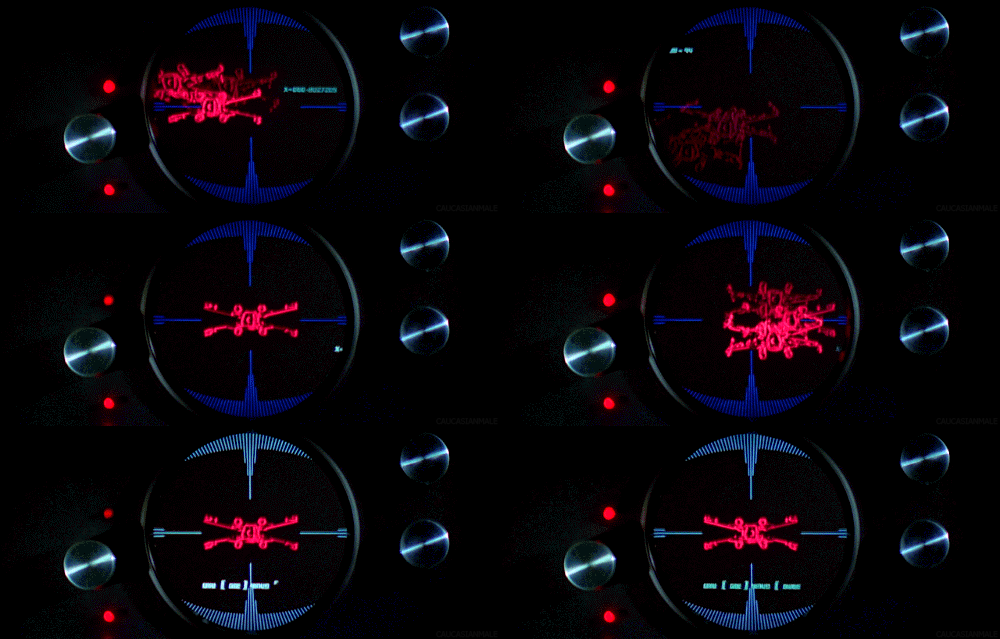
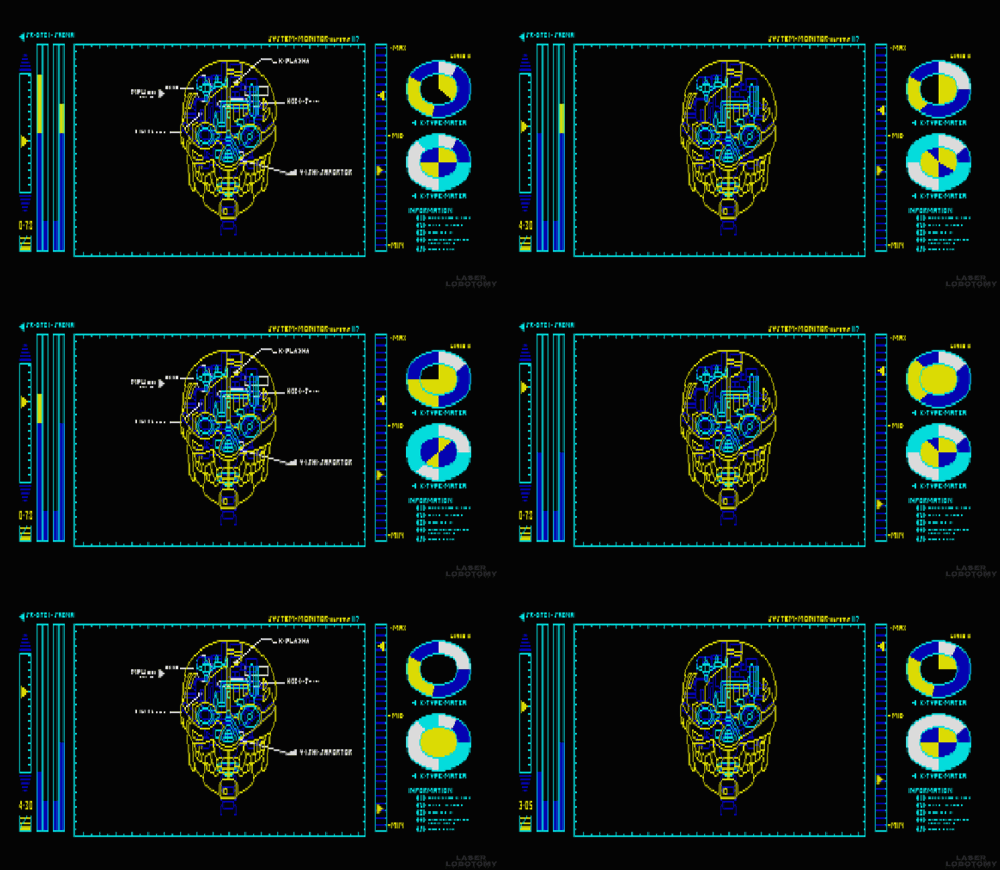
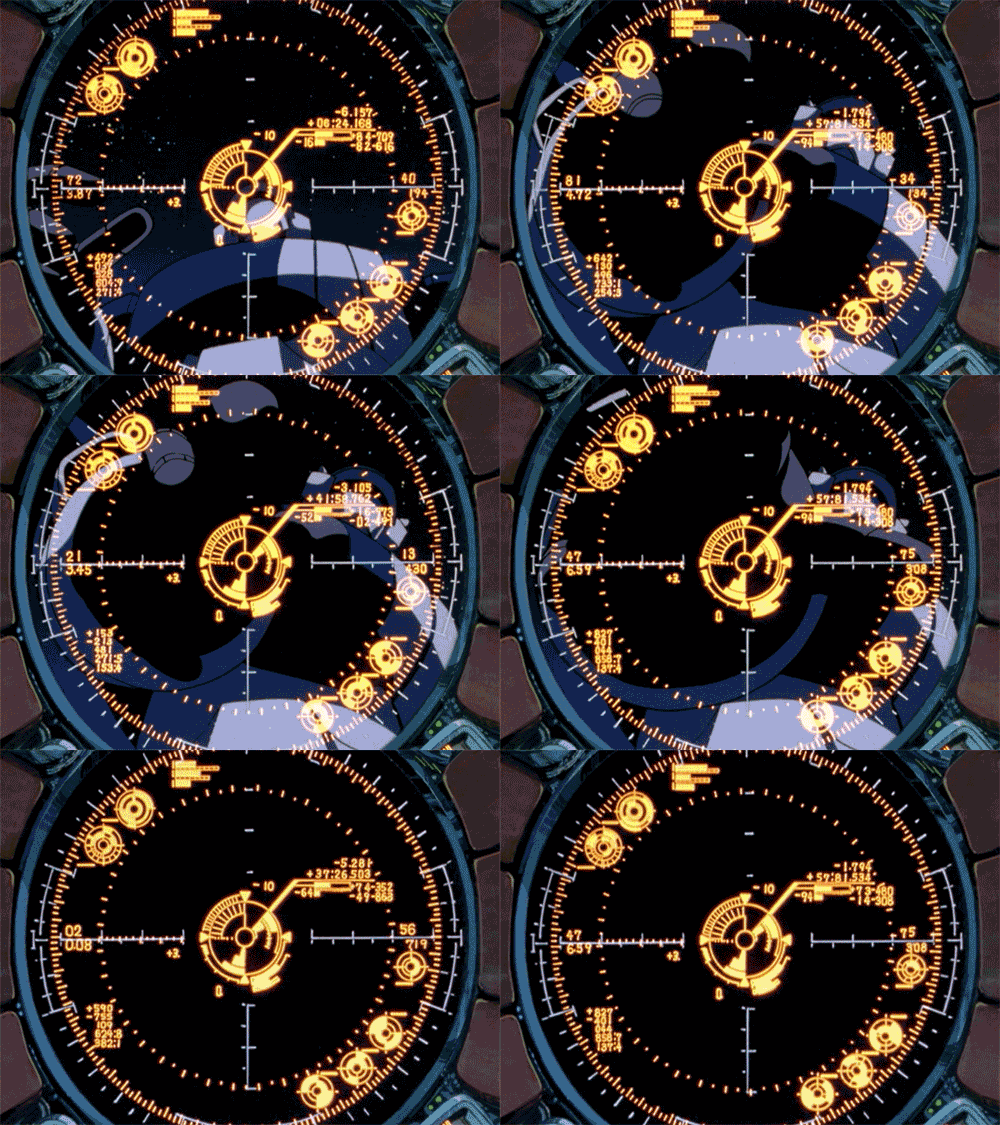
Now, I have to admit I have have something of a penchant for sci-fi movies and always become distracted the plot and often jealous of the cool interfaces the characters in these movies get to use. So you'll understand that I was pretty excited when I stumbled across a tumblr created by a Czech person (I don't know who they are, very mysterious) who shares this interest in futuristic graphical user interfaces and has gone through the trouble of collecting the best examples and turning them into gifs. I've shown my favourites from the collection below:


Check out the whole of this awesome collection over at Visual Punker

Why ugly interfaces work


The Bloomberg Terminal is an integrated computer system and service feed offering real-time financial data and trading. It has made its inventor a billionaire, and users often go for a multiscreen setup. So, it works but it is also incredibly ugly. So, why not redesign this clunky GUI?

Simplifying the interface of the terminal would not be accepted by most users because, as ethnographic studies show, they take pride on manipulating Bloomberg’s current “complex” interface. The pain inflicted by blatant UI flaws such as black background color and yellow and orange text is strangely transformed into the rewarding experience of feeling and looking like a hard-core professional.

The more painful the UI is, the more satisfied these users are.

The Bloomberg Terminal interface looks terrible, but it allows traders and other users to pretend you need to be experienced and knowledgeable to use it.


Read more via Core77

Virtuix's 360-degree treadmill

Virtuix have developed the Omni, an omnidirectional treadmill controller for virtual environments. Virtuix is aiming to launch a Kickstarter campaign for the Omni around the end of May or the beginning of June, and it's targeting a price of $400-600 for the device. Very cool immersive experience but as any gamer knows, the ability to crouch in a FPS is crucial..


French reporter fails with touch screen

LCN News anchor fumbles with touch screen timeline, The reporter was trying to present a timeline of the conflict in Gaza when things went pear-shaped unruly graphics slipped out of view, expanded wildly and vanished from the screen.

Virtual Photo Walks

Share what you see with your camera with others in real time. Excellent evolution from taking video call technology and extending it to a virtual / augmented reality for those who can't get outside. This idea will only get better over the years as the technology improves.

Photographer John Butterill discovered a way to share his photo walks through Google+ Hangouts. Almost immediately photographers around the world began volunteering to share their view of the world with people whose mobility was limited.

Sight

Sight is an interested short film by Eran May-raz and Daniel Lazo that is set in the near future and explores a type of augmented reality that is overlaid onto everything people do. From recreation, to cooking, to social interaction, everything has levels and tips on how to be better.

Sight from Sight Systems on Vimeo.


This concept of overlaying information on your sight was also explored in this short clip by Keiichi Matsuda.


The effect on the character's eyes reminds me of "The entire history of you" episode from Charlie Brooker's 'Black Mirror" television series on Channel 4.

StreetPong

Ever wondered how you could be putting your time spent waiting at a pedestrian crossing for the lights to change to better use? Well, check out StreetPong which puts strangers together in a brief game of pong across the road from each other until the traffic lights change!

STREETPONG from HAWK Hildesheim on Vimeo.

Augmented Reality on the iPad.

Using an iPad, Inition have created an Augmented reality platform that allows you to superimpose incredible content. From static pictures and shapes to fully animated characters.... to an entire city!! Complete 360 perspective, ridiculous detail on the zoom and content that you can customise as you watch it.

Dynamic Physical Buttons on Touch Screens : Tactus Technology

World's first dynamic deformable tactile surface capable of creating dynamic physical buttons that users can actually see and feel in advance of entering data into the device.

Vertical Video Syndrome - A PSA

This is a brilliant video about the growing 'problem' of iPhone users who are shooting video vertically. Agreed, it doesn't look good, but I never knew it was such a big problem until I watched this...

Google's Project Glass


We believe technology should work for you — to be there when you need it and get out of your way when you don't.

A team within our Google[x] group started Project Glass to build this kind of technology, one that helps you explore and share your world, putting you back in the moment.

Follow along with us at http://g.co/projectglass as we share some of our ideas and stories. We'd love to hear yours, too. What would you like to see from Project Glass?


The prototype version Google has been demonstrating looks like a very polished and well-designed pair of wrap-around glasses with a clear display that sits above the eye. The glasses can stream information to the lenses and allow the wearer to send and receive messages through voice commands. There is also a built-in camera to record video and take pictures.


Love this fan-made video which shows what it could be like playing Battlefield.

Turning pretty girls ugly


This is interesting. These faces have not been altered in any way.

It's a new scientific finding called the "Flashed Face Distortion Effect".

When cycling through the faces on a computer screen, each face seems to become a caricature of itself and some faces appear highly deformed, even grotesque. The degree of distortion is greatest for faces that deviate from the others in the set on a particular dimension (eg if a person has a large forehead, it looks particularly large). This new method of image presentation, based on alignment and speed, could provide a useful tool for investigating contrastive distortion effects and face adaptation.

Read more about it here

and here

Behind the Screen Overlay Interactions


Behind the Screen Overlay Interactions: Behind-the-screen interaction with a transparent OLED with view-dependent, depth-corrected gaze.
A project by Jinha Lee and Cati Boulanger, former intern and researcher respectively, at Microsoft Applied Sciences would change all that. They’re using a special transparent OLED screen from Samsung and a series of sensors, along with custom software that reshuffles the keyboard to the back of the screen. So you can work with your hands inside the virtual desktop.