Showing posts with label interfaces. Show all posts

PQ FUI Toys

PQ FUI Toys from Peter Quinn on Vimeo.


Super fun, pre-animated, sometimes looping, customizable Fake User Interface assets, as editable After Effects comps. Just drag and drop to quickly create and customize FUI layouts to suit your projects.

For sale at aescripts.com/pq-fui-toys

Tutorial video at vimeo.com/pquinn/fui-quickstart

Star Trek predicts the future

This little strip is great! It has to be said that there definitely is a correlation between technology envisioned in sci-fi and the digital industry gathering inspiration from them. The one thing I'm really looking forward to them inventing are those automatic swooshing doors... oh wait, we already have those.

Futuristic GUI

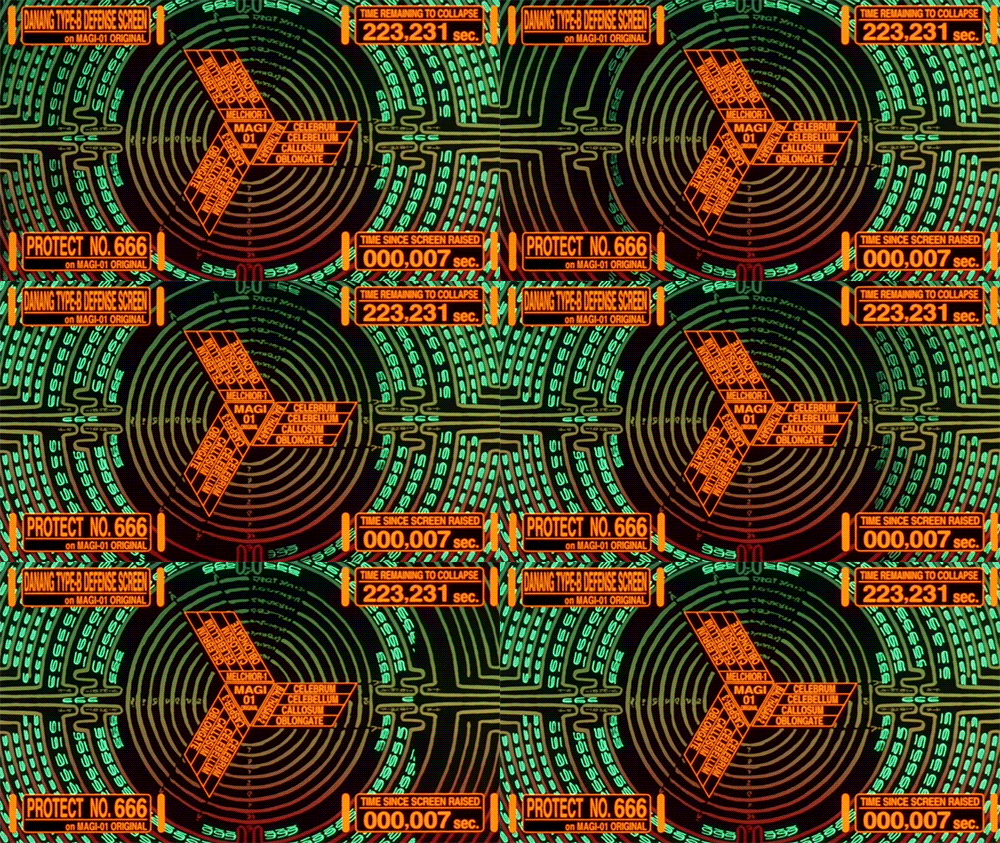
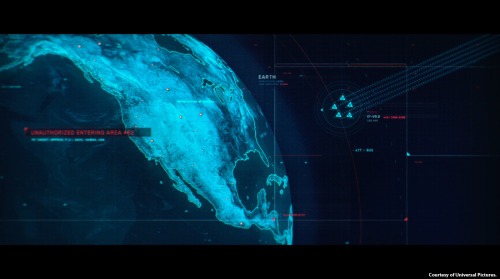
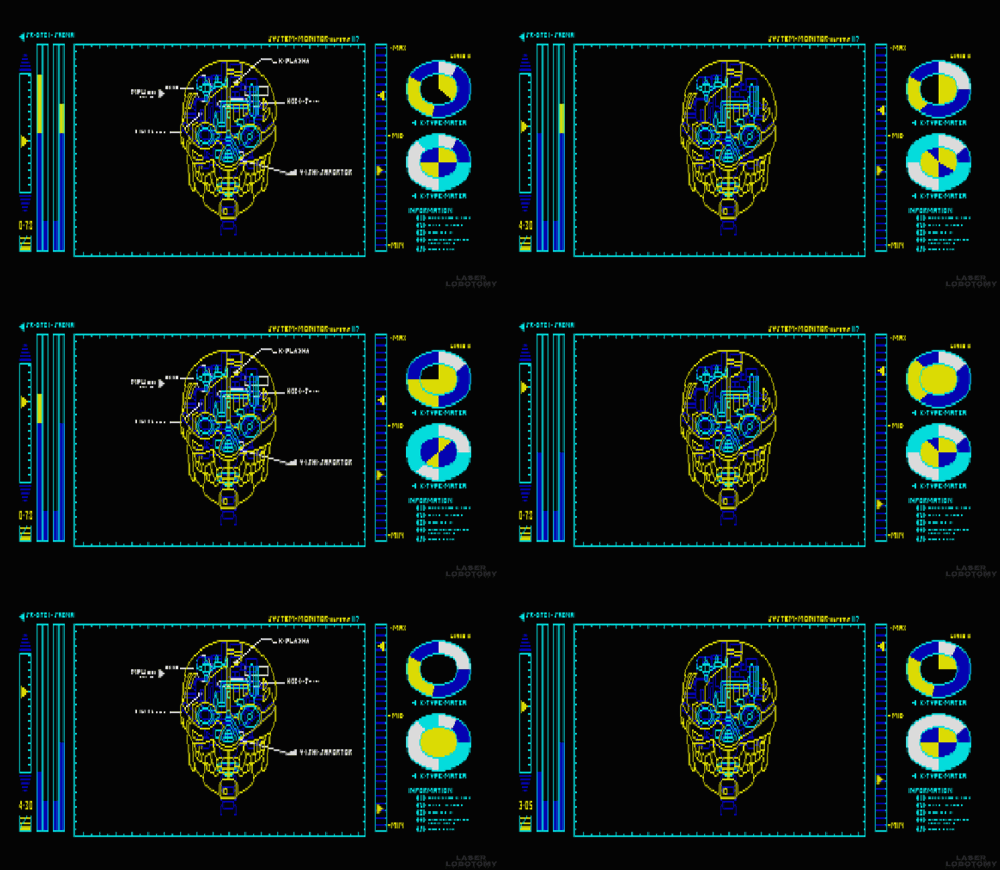
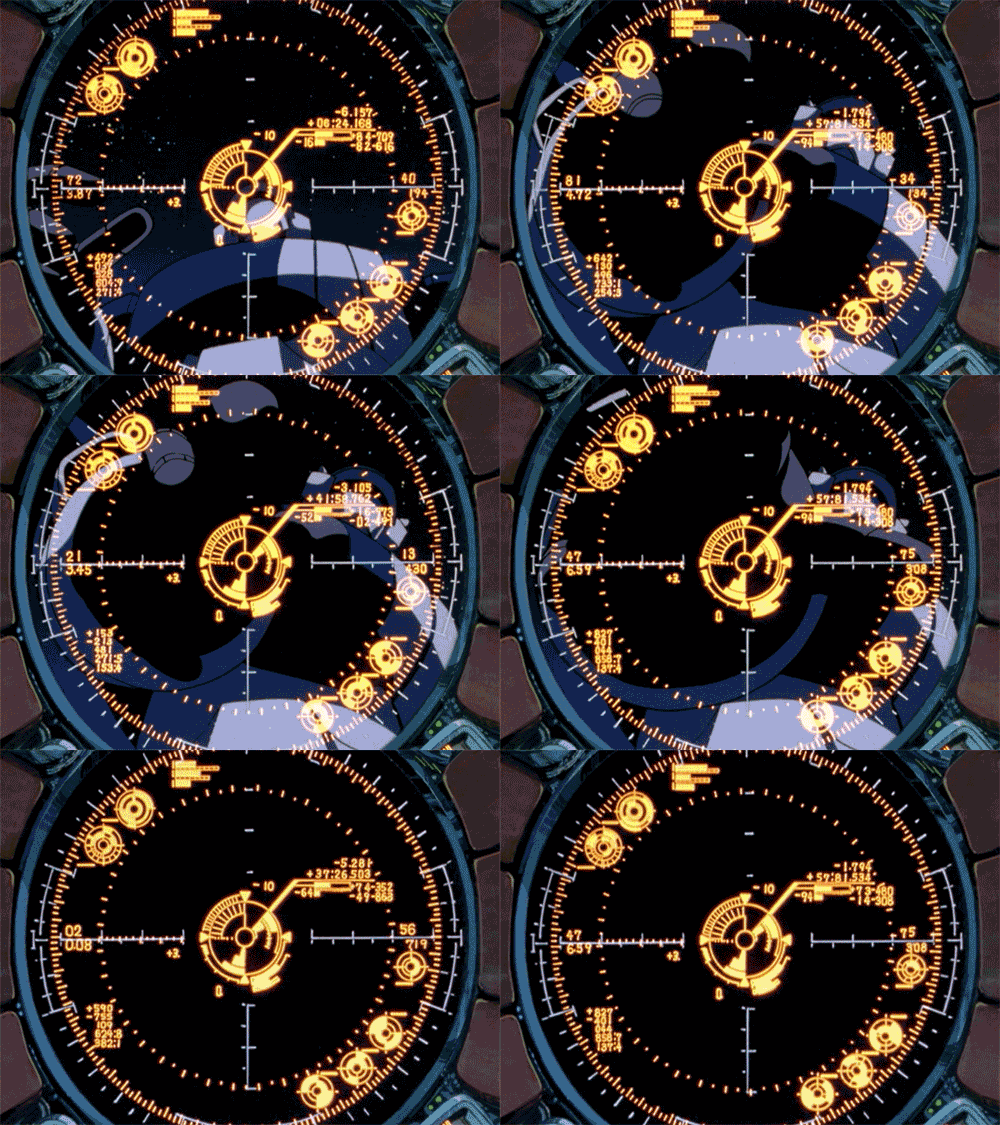
Now, I have to admit I have have something of a penchant for sci-fi movies and always become distracted the plot and often jealous of the cool interfaces the characters in these movies get to use. So you'll understand that I was pretty excited when I stumbled across a tumblr created by a Czech person (I don't know who they are, very mysterious) who shares this interest in futuristic graphical user interfaces and has gone through the trouble of collecting the best examples and turning them into gifs. I've shown my favourites from the collection below:


Check out the whole of this awesome collection over at Visual Punker

Automated Storytelling

We live in the era of Big Data. Never in modern human history have companies and individuals had more (and more complex and reliable) numbers, statistics, and metrics at their disposal: from box scores to earnings reports to housing prices to placement-test results, we are at sea in an ocean of numbers and awash in spreadsheets. As artificial-intelligence pioneer Kris Hammond explains in this film, the great challenge in the Big Data era is understanding the stories those numbers tell and, just as important, connecting the right people with the right stories.


“This is what Hammond and his company, Narrative Science, do: create fluidly written, micro-targeted news stories from massive amounts of raw data—and do it hundreds of thousands of times, and slightly differently for each reader or listener. The recipient could be a fast-food franchisee seeking to understand what menu item sells best at what moment of the day, at what time of year, even in what weather, so he can optimize point-of-sale strategies. “

“Our entire job,” says Hammond, “is to humanize data. It is to be a communication bridge between the numbers and the knowing.”

Read more on the Future of Storytelling.


Why ugly interfaces work


The Bloomberg Terminal is an integrated computer system and service feed offering real-time financial data and trading. It has made its inventor a billionaire, and users often go for a multiscreen setup. So, it works but it is also incredibly ugly. So, why not redesign this clunky GUI?

Simplifying the interface of the terminal would not be accepted by most users because, as ethnographic studies show, they take pride on manipulating Bloomberg’s current “complex” interface. The pain inflicted by blatant UI flaws such as black background color and yellow and orange text is strangely transformed into the rewarding experience of feeling and looking like a hard-core professional.

The more painful the UI is, the more satisfied these users are.

The Bloomberg Terminal interface looks terrible, but it allows traders and other users to pretend you need to be experienced and knowledgeable to use it.


Read more via Core77

Virtuix's 360-degree treadmill

Virtuix have developed the Omni, an omnidirectional treadmill controller for virtual environments. Virtuix is aiming to launch a Kickstarter campaign for the Omni around the end of May or the beginning of June, and it's targeting a price of $400-600 for the device. Very cool immersive experience but as any gamer knows, the ability to crouch in a FPS is crucial..


Reinventing Payphones

Reinventing Payphones - NYC I/O: The Responsive City

There are 11,412 pay phones in New York City that are almost never used.

So what happens when New York City runs a competition to redesign them into something practical and that uses modern technology?

This is Control Group's winning entry.


Automated Telephone Menus

If you have ever had the misfortune of encountering an automated telephone menu then you will already know exactly how terrible the user experience is on these things.

If you haven't here's how they work: rather than talking to a real person you are played a recording of a person introducing the service you have just called up (the recording has been edited and compressed so much that it sounds like a robot voice). The user is expected to select their options by timing their response precisely and pitched perfectly. The voice recognition software is often incredibly flawed at best, and the resulting user experience is enough to put you off ever

This brilliant recording demonstrates just how frustrating automated telephone menus can be:


A fantastic parody of an automated telephone menu is here by the Fonejacker:

A Facebook Prototype

Australian-based-but-Swedish Interactive Art Director Fred Nerby has created this short but rather interesting video that proposes a new conceptual approach to Facebook's page layout. In terms of look and feel it does borrow quite heavily from the tiled interaction of the Nokia Lumia, and the branding does overlap a little. However, I really like the magnifying glass and overlay panel approach when viewing comments so that the user remains on the main page, and the split screen double scrolling panels is an interesting touch, but is it scalable? Also, the large profile images that look like they were taken on a modelling shoot might not be for everyone (it would be interesting to see what happens if users were encouraged to replace small avatar images with large glossy ones).

What this video really needs though is to placed in a contextual screen so that the viewer can see how this layout scales across platform (from desktop to tablet to mobile). It will be interesting to see if a Facebook spokesperson comments on this video as this new page layout and the sliding panel interaction all looks very similar to the new MySpace which was relaunched in December 2012.

Facebook Prototype - Conceptional Approach from Fred Nerby on Vimeo.

Connecting

Excellent documentary on how the relationship with digital devices and human interaction is merging to the point that our devices fade into the background and enable the user rather than interrupt them. Interaction design is now about providing a platform for the user to mould and shape into something they find useful.

The 18 minute "Connecting" documentary is an exploration of the future of Interaction Design and User Experience from some of the industry's thought leaders. As the role of software is catapulting forward, Interaction Design is seen to be not only increasing in importance dramatically, but also expected to play a leading role in shaping the coming "Internet of things." Ultimately, when the digital and physical worlds become one, humans along with technology are potentially on the path to becoming a "super organism" capable of influencing and enabling a broad spectrum of new behaviors in the world.

Connecting (Full Film) from Bassett & Partners on Vimeo.

Getting to know Windows 8

With the launch of Windows 8 also comes two very interesting "usability testing" videos.

The first is from the New York Times and features some very heavy handed facilitation of the testing sessions (check it out at 22 seconds in where the facilitator is clearly telling the participant what to click on. Obviously, lurking behind the participant, pointing at things to click on, and generally leading the user is not a good way of gathering useful insights about a new interface. As a promotional piece, the video is great but some of the techniques used in the sessions made me laugh.

The New York Times invited five computer users to try their hands at navigating Microsoft’s new tablet-friendly redesign.


Next up is a bizarre piece of video from Three Sheets Research which looks at how users handle new interfaces when drunk.

This video is part of a set of web usability tests, focused on drinking customers, conducted by Three Sheets Market Research. Following the release of Windows 8, we wasted no time in trying out Microsoft's new operating system on a drunken subject. Jennifer, a 40-year-old mother of 2, is an active consumer of PCs, software and alcohol. She agreed to sit down with us the afternoon following the product's launch to share her thoughts on Windows 8, all while imbibing several rounds of her favorite tequila.


The first impressions of a new interface are crucial and the subtle hints provided by the user experience are designed to ease the user in by introducing the fundamental interactions and then building the experience up around them. Providing users with prompts should only be done if the task they are carrying out has been totally failed and there are no new insights being captured. Also, introducing a user to a new interface when they're drunk is totally useless as they might as well start again when sober.

Any new operating system will be difficult for a first time user, whether drunk, sober or just a bit slow. It is possible Jennifer will eventually learn how to use the software. But it is doubtful that, even the morning after, she'll ever fully recover from her initial impression of Windows 8 as confusing and unwelcoming.

Think about a time when you might have been drunk and first turned on a new mobile phone, played a new video game, or tried to buy a ticket from a ticket machine that you'd not used before. Unless you were incredibly persistant the experience will have been written off and you would have mentally started afresh the next day. The initial experience is considered null and any negative impressions should be considered alongside the fact that you weren't in "learning mode". Unless of course, the interface was designed to be used whilst drunk as is the case with SingStar which was usability tested on groups of drunk people before launch to see if it was simple enough to use after an night out - which was the exact scenario that Sony Computer Entertainment wanted their users to be in..

21 Balançoires (21 Swings)

21 Swings, an exercise in musical cooperation.

Every spring, an interactive installation takes over a high-traffic area in MontrĂ©al’s Quartier des spectacles and sets a collective ritual. The installation offers a fresh look at the idea of cooperation, the notion that we can achieve more together than separately.

The result is a giant instrument made of 21 musical swings; each swing in motion triggers different notes, all the swings together compose a piece, but some sounds only emerge from cooperation.

The project stimulates ownership of the public space, bringing together people of all ages and backgrounds, and creating a place for playing and hanging out in the middle of the city centre.


21 Balançoires (21 Swings) from Daily Tous Les Jours on Vimeo.

StreetPong

Ever wondered how you could be putting your time spent waiting at a pedestrian crossing for the lights to change to better use? Well, check out StreetPong which puts strangers together in a brief game of pong across the road from each other until the traffic lights change!

STREETPONG from HAWK Hildesheim on Vimeo.

Interactive Plant Technology

Botanicus Interacticus is a technology for designing highly expressive interactive plants, both living and artificial. Driven by the rapid fusion of computing and living spaces, we take interaction from computing devices and places it in the physical world using livings plants as an interactive medium.


Botanicus Interacticus has a number of unique properties. This instrumentation of living plants is simple, non-invasive, and does not damage the plants: it requires only a single wire placed anywhere in the plant soil. Botanicus Interacticus allows for rich and expressive interaction with plants. It allows to use such gestures as sliding fingers on the stem of the orchid, detecting touch and grasp location, tracking proximity between human and a plant, and estimating the amount of touch contact, among others.

In Botanicus Interacticus we also deconstruct the electrical properties of plants and replicate them using standard electrical components. This allows the design of a broad variety of biologically inspired artificial plants that behave nearly the same as their biological counterparts. From the point of view of our technology there is no difference between real and artificial.

Botanicus Interacticus technology can be used to design highly interactive responsive environments based on plants, developing new forms of organic, living interaction devices as well as creating organic ambient and pervasive interfaces.


Read more here http://www.disneyresearch.com/research/projects/hci_botanicus_drp.htm

The Big Brother Pizza Shop

Fictitious pizza shop of the future - Big Brother infringes your privacy while ordering a pizza.

Ford Keyfree Login

Get rid of the problem of remembering all your different passwords with Ford's Keyfree login software. Great concept - place your smartphone near your computer to automatically log in to your accounts.

Ford Keyfree Login from Ogilvy Paris on Vimeo.

Dynamic Physical Buttons on Touch Screens : Tactus Technology

World's first dynamic deformable tactile surface capable of creating dynamic physical buttons that users can actually see and feel in advance of entering data into the device.

Out of the box Samsung

This is a great idea! "Out of the Box" is a friendly user manual for Samsung smart phones by Vitamins Design London, Royal College of Arts Helen Hamyln Center and Samsung Design Europe.

MaKey MaKey

MaKey MaKey is an invention kit for everyone.

Have you ever played Mario on Play-Doh or Piano on Bananas? Alligator clip the Internet to Your World, and start inventing The Future.